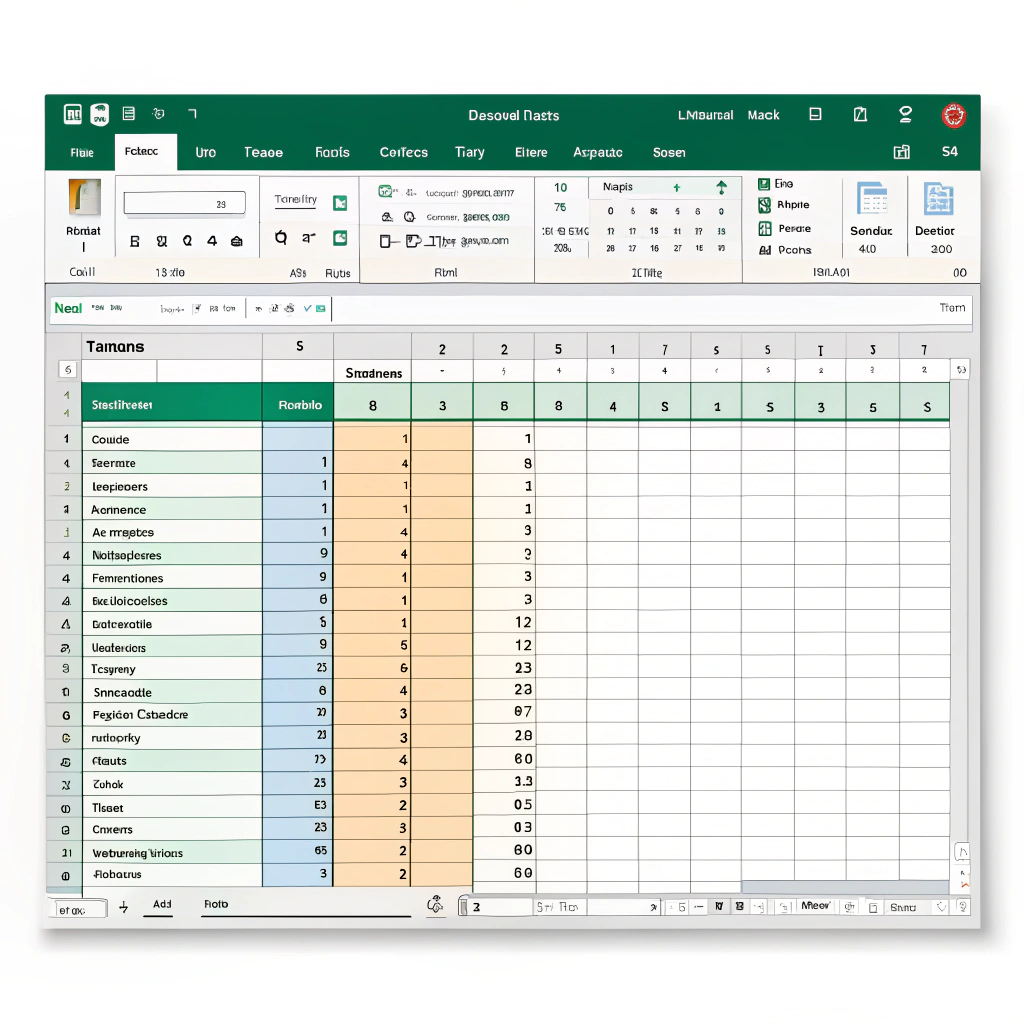
Reduce payroll errors, save time, and ensure compliance with automated salary calculations.
The Payroll Challenge
Managing payroll can be a nightmare for businesses, especially as they scale. Manual salary calculations, tax deductions, and direct deposits create room for human error, compliance risks, and inefficiencies. A simple mistake can lead to underpayments, tax penalties, and employee dissatisfaction.
What if you could automate the entire payroll process, ensuring accuracy and efficiency while saving countless hours?
With Python and Pandas, you can!
How Python Can Automate Payroll Processing
Python, combined with Pandas and MongoDB, can streamline payroll calculations by:
✔️ Automatically calculating salaries based on hourly rates, overtime, and bonuses.
✔️ Applying tax deductions and benefits according to local regulations.
✔️ Generating pay slips and emailing them to employees.
✔️ Integrating with banks to process direct deposits.
✔️ Tracking payroll history in a secure database for auditing and reporting.
Let’s walk through a simple example.
Step-by-Step Payroll Automation with Python
Step 1: Load Employee Data
Start by storing employee information in a structured format like MongoDB or an Excel sheet.
import pandas as pd

# Load employee data from an Excel file
df = pd.read_excel("employee_data.xlsx")

# Display the first few rows
print(df.head())
Step 2: Calculate Salaries Automatically
We’ll compute salary based on working hours, hourly rate, and deductions.
def calculate_salary(row):
    base_salary = row['hours_worked'] * row['hourly_rate']
    overtime_pay = row['overtime_hours'] * row['overtime_rate']
    total_salary = base_salary + overtime_pay
    tax_deduction = total_salary * row['tax_rate']
    final_salary = total_salary - tax_deduction
    return final_salary

df['net_salary'] = df.apply(calculate_salary, axis=1)
Step 3: Generate Payslips
Create a structured payroll report for each employee.
for index, row in df.iterrows():
    payslip = f"""
    Employee: {row['name']}
    Hours Worked: {row['hours_worked']}
    Hourly Rate: ${row['hourly_rate']}
    Overtime Pay: ${row['overtime_hours'] * row['overtime_rate']}
    Tax Deduction: ${row['net_salary'] * row['tax_rate']}
    Net Salary: ${row['net_salary']}
    """
    print(payslip)
Step 4: Process Direct Deposits
Using a CSV file, we can integrate with banks to process payments.
df[['employee_id', 'bank_account', 'net_salary']].to_csv("payroll_deposits.csv", index=False)
print("Payroll processed and bank transfer file generated.")
Step 5: Store Payroll Records in MongoDB
We save payroll history to ensure compliance and easy audits.
from pymongo import MongoClient

client = MongoClient("mongodb://localhost:27017/")
db = client["payroll_system"]
collection = db["payroll_records"]

payroll_data = df.to_dict(orient="records")
collection.insert_many(payroll_data)

print("Payroll records successfully stored in MongoDB!")
Why Automate Payroll Processing?
✅ Eliminate manual errors – Reduce miscalculations and compliance risks.
✅ Save time – Free up HR and finance teams for higher-value tasks.
✅ Improve compliance – Ensure tax and payroll laws are followed automatically.
✅ Increase employee satisfaction – Ensure timely and accurate payments.
Imagine handling payroll for 500 employees in seconds instead of hours!
Let’s Automate Your Payroll System!
Want to implement this in your business? We specialize in automating payroll and financial workflows using Python, Pandas, and MongoDB.
✅ Custom payroll solutions tailored to your needs
✅ Integration with your existing accounting software
✅ Scalable automation that grows with your company
Don’t waste another minute on manual payroll! Let’s discuss how automation can save you time and money.
📩 Contact us today for a consultation!

Lillqvist Strat consults on business developement, software projects, automation, SOPs, analytical tools and more.
Contact me today to get started on our journey to higher profits, more revenue and happier employees!
Go to Contact now